

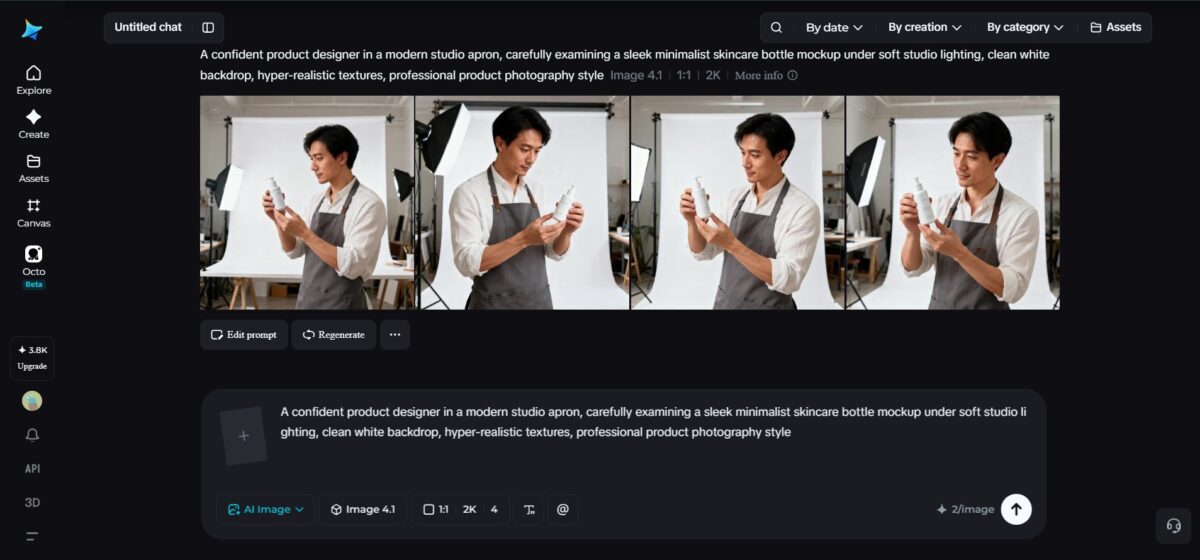
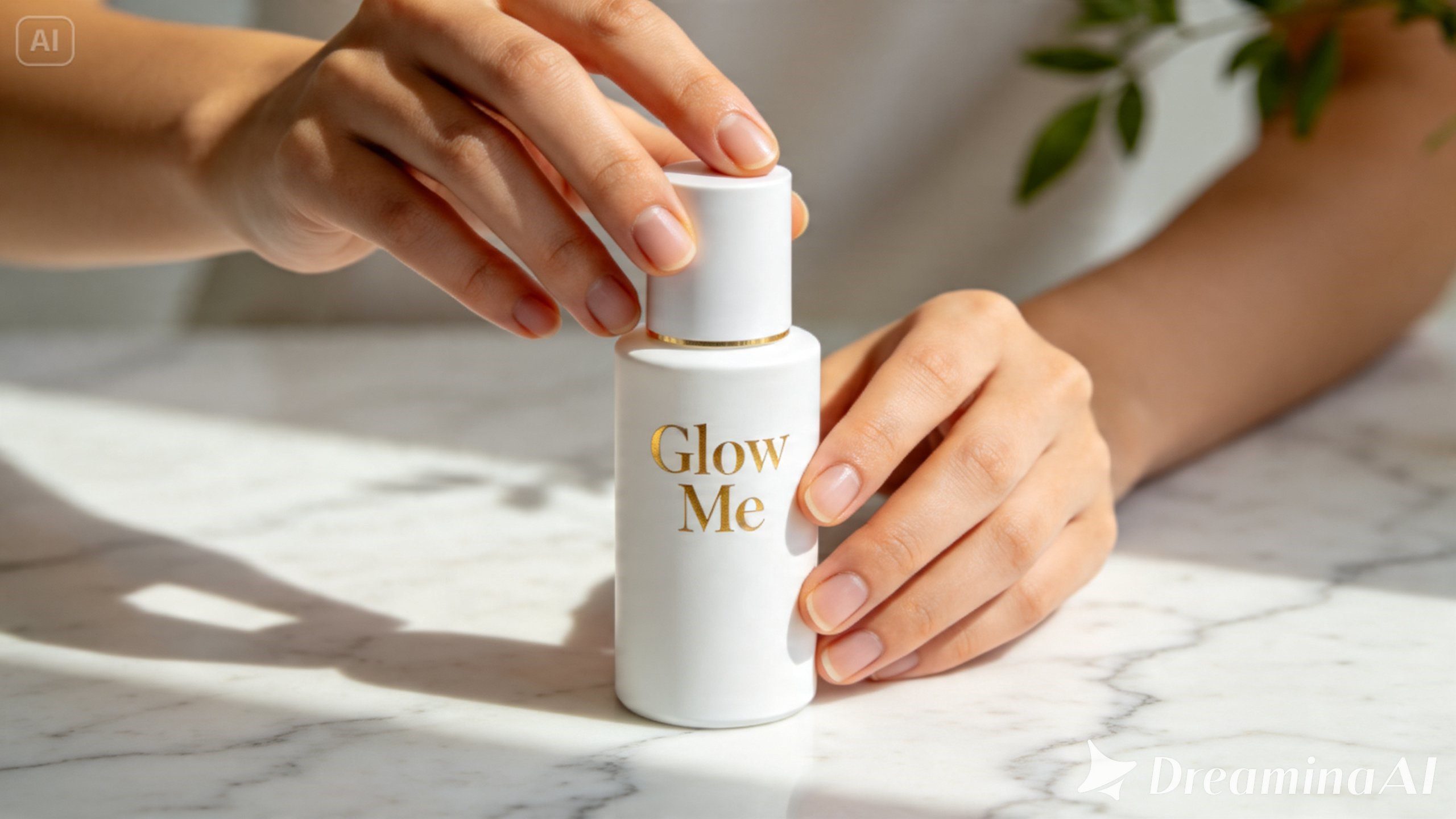
Ordering physical samples, booking a photographer, and setting up a studio shoot just to visualize a new product concept — it’s expensive, slow, and honestly overkill when you’re still in the ideation phase. That’s exactly the kind of friction an AI image generator was built to eliminate, letting you produce polished, realistic product mockups in minutes instead of weeks.
Dreamina, and its most advanced image generation model, Seedream 5.0 Pro, has become a go-to for exactly this kind of work. Whether you’re mocking up packaging, testing a new label design, or visualizing a product in a lifestyle setting, it gives you studio-quality results without the studio. Let’s get into how it actually works.
Why product mockups matter more than you’d think
A mockup isn’t just a placeholder image — it’s often the first thing a client, investor, or customer sees of your product. A rough or unrealistic mockup can undersell a genuinely great idea, while a polished one can make an early-stage concept feel market-ready. Getting this stage right sets the tone for everything that follows, from pitch decks to pre-launch marketing.
The old way vs the AI way
Traditional mockup creation usually meant one of two routes:
- Hiring a photographer and renting physical samples or studio space
- Using design software like Photoshop to manually composite product images onto templates
Both work, but they’re time-consuming and often expensive for early-stage testing. AI-generated mockups compress that entire process into a single prompt-and-generate workflow, letting you iterate on packaging, colors, and settings almost instantly.
What makes a product mockup look “realistic”
Not every AI-generated image reads as believable. A handful of details separate convincing mockups from obviously fake ones:
- Accurate lighting and shadow placement on the product surface
- Realistic material textures — glass, matte plastic, glossy cardboard, brushed metal
- Proper reflections and highlights consistent with the light source
- A background that complements rather than distracts from the product
Nailing these details is what makes a mockup feel like a real photograph instead of a rendered guess.
Meet Seedream 5.0 Pro: Dreamina’s mockup-ready image model
This is exactly where Dreamina’s Seedream 5.0 Pro stands out. It’s engineered to handle the precision and realism that product visuals demand.
- Pinpoint precision editing — point selection, lasso, sketch guidance, and regional controls let you adjust labels, colors, or materials without redoing the whole image
- Multi-layer visual control — separates the product, background, and text into editable layers so you can swap settings without touching the product itself
- Built-in online research — pulls in live web context, keeping brand-related and trending visual references accurate and current
- 2K output quality — preserves fine textures, lighting, and shadow detail for genuinely photo-realistic results
These capabilities mean fewer regenerations and far more control over how the final mockup looks.
Your 3-step mockup makeover with Dreamina
Here’s exactly how to go from a rough product idea to a polished, realistic mockup.
Step 1: Write a text prompt and/or add a reference image
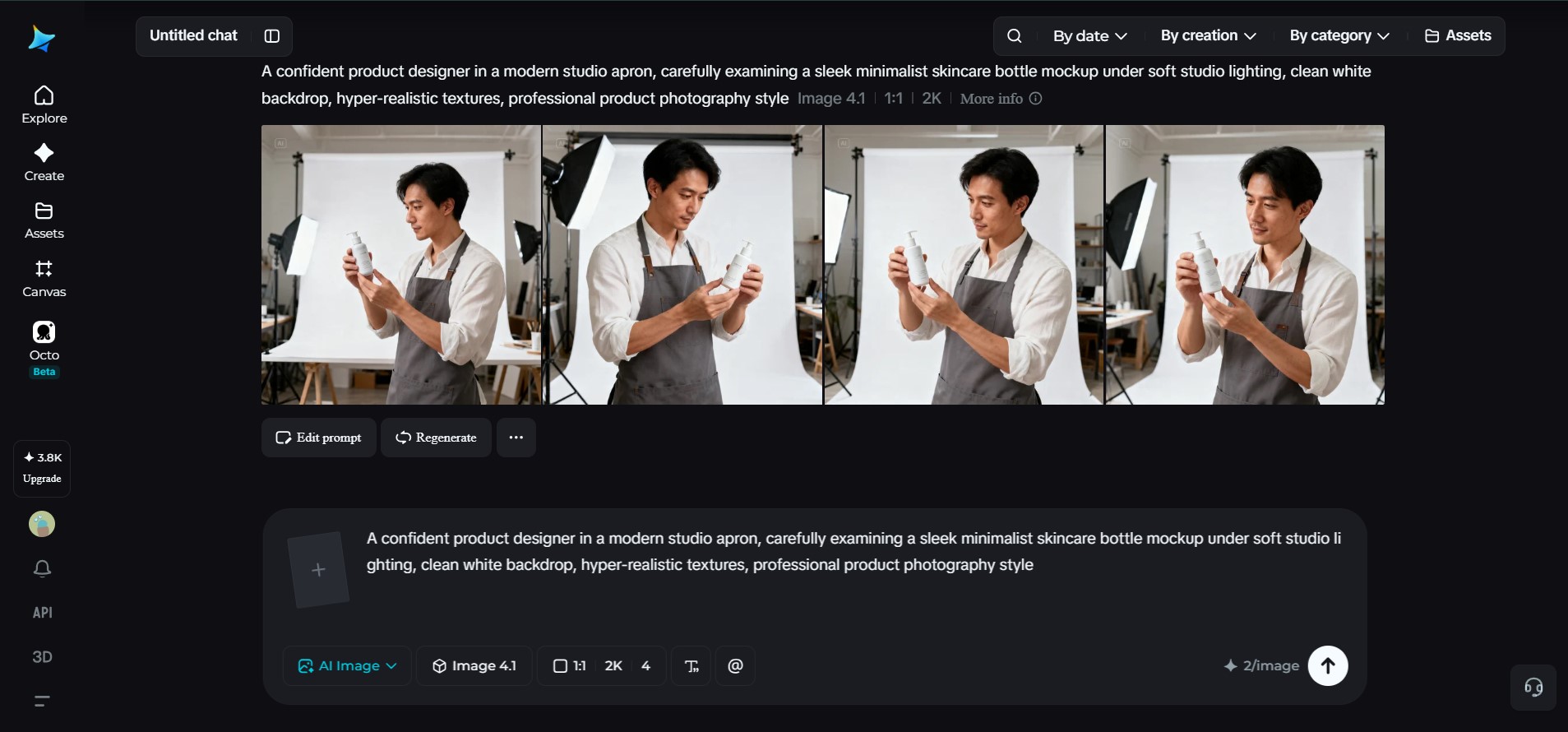
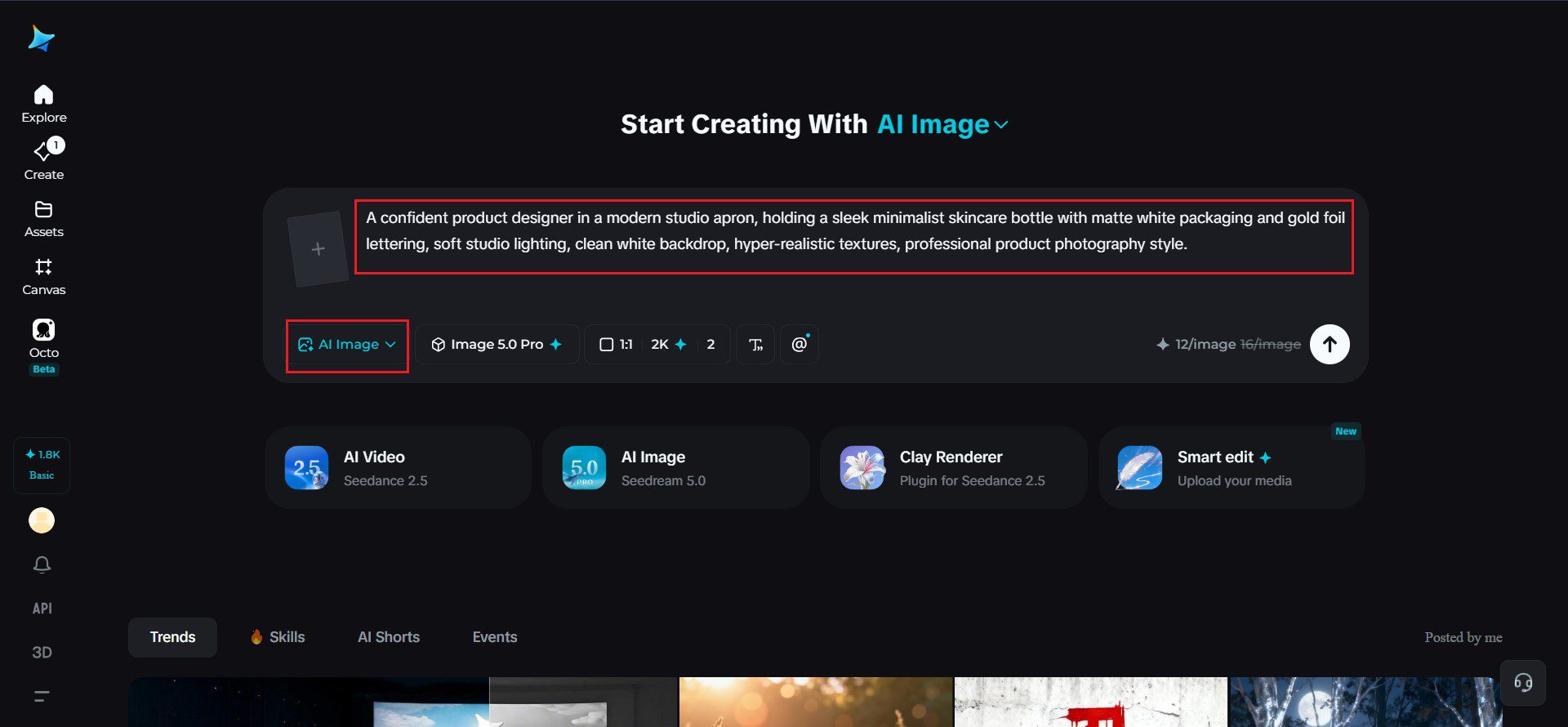
Go to Dreamina and start by writing a detailed text prompt that describes a person dressed appropriately for the product design or marketing field, along with the product itself. You can also upload a reference image of your actual product or packaging design for more accurate detail.
A solid sample prompt might read: A confident product designer in a modern studio apron, holding a sleek minimalist skincare bottle with matte white packaging and gold foil lettering, soft studio lighting, clean white backdrop, hyper-realistic textures, professional product photography style.
Being specific about materials, colors, and lighting from the start makes a noticeable difference in the final output.
Step 2: Adjust parameters and generate
Before generating, dial in your settings. Select Image 5.0 Pro, powered by Seedream 5.0 Pro, as your model, then choose your aspect ratio, image size, and resolution, opting for 1K when testing ideas quickly or 2K when you need high-fidelity, presentation-ready detail. Once you’ve set your parameters, click Dreamina’s generate icon and let it produce your mockup.
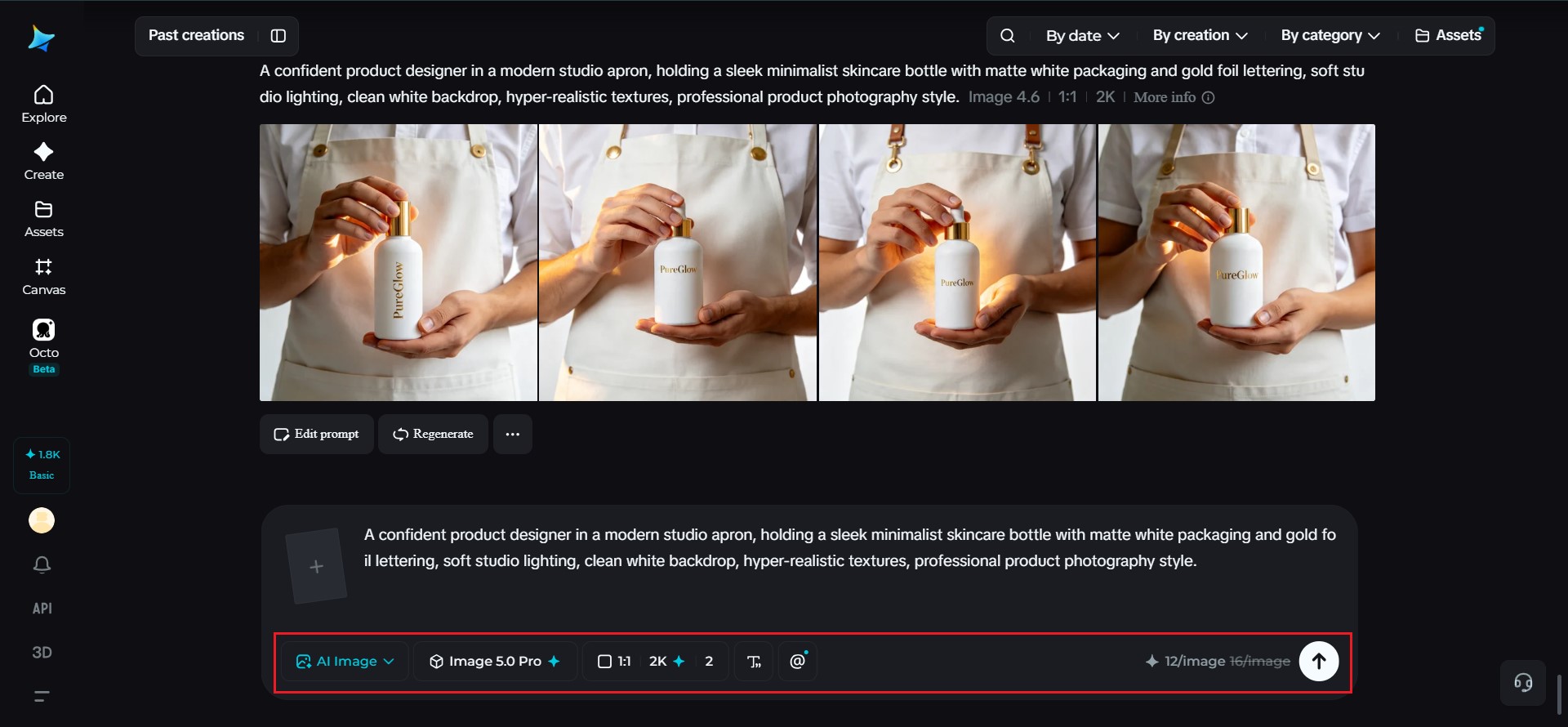
Step 3: Customize and download
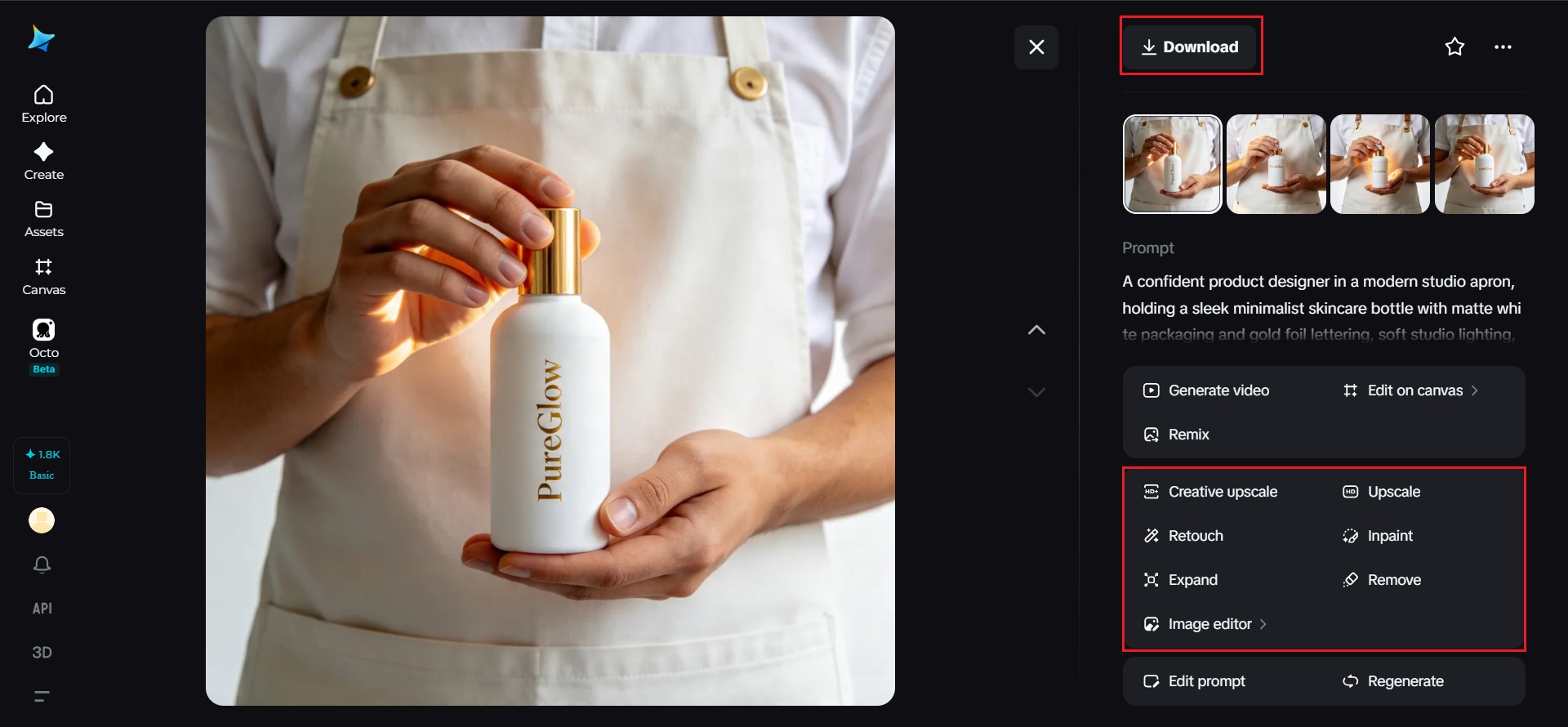
Once your mockup is generated, refine it further using Dreamina’s AI customization tools — inpaint to touch up small imperfections, expand to widen the scene or backdrop, remove to eliminate distracting elements, and retouch to sharpen texture and lighting details. When you’re satisfied with the result, click the Download icon to save your finished mockup.
Choosing the right setting for your product
The background you choose says as much about your brand as the product itself. Depending on your goals, consider:
- A clean studio backdrop for e-commerce and catalog listings
- A lifestyle setting that shows the product in real-world use
- A styled flat lay for social media and marketing content
Matching the setting to where the mockup will actually be used keeps the final image purposeful rather than generic.
Testing variations without the extra cost
One of the biggest advantages of AI-generated mockups is how cheaply you can test alternatives. Instead of committing to a single design direction, you can quickly explore:
- Different packaging colors or finishes
- Multiple background and lighting styles
- Various product angles for different marketing channels
This kind of rapid testing would be impractical, if not impossible, with traditional photography.
Where realistic AI mockups make the biggest difference
Beyond just looking good, realistic mockups have real practical value across a product’s lifecycle:
- Investor pitch decks and crowdfunding campaigns
- E-commerce listings before physical inventory exists
- Social media teasers ahead of a product launch
- Packaging design reviews and stakeholder approvals
Final thoughts
Creating realistic product mockups no longer requires a studio, a photographer, or a hefty budget — just the right AI image generator and a clear vision of what you’re building. With Dreamina and its advanced Seedream 5.0 Pro model, you get the precision, realism, and customization tools needed to turn a product concept into a polished, believable visual in minutes.
Begin with a detailed prompt, fine-tune your settings, and let Dreamina bring your product to life!